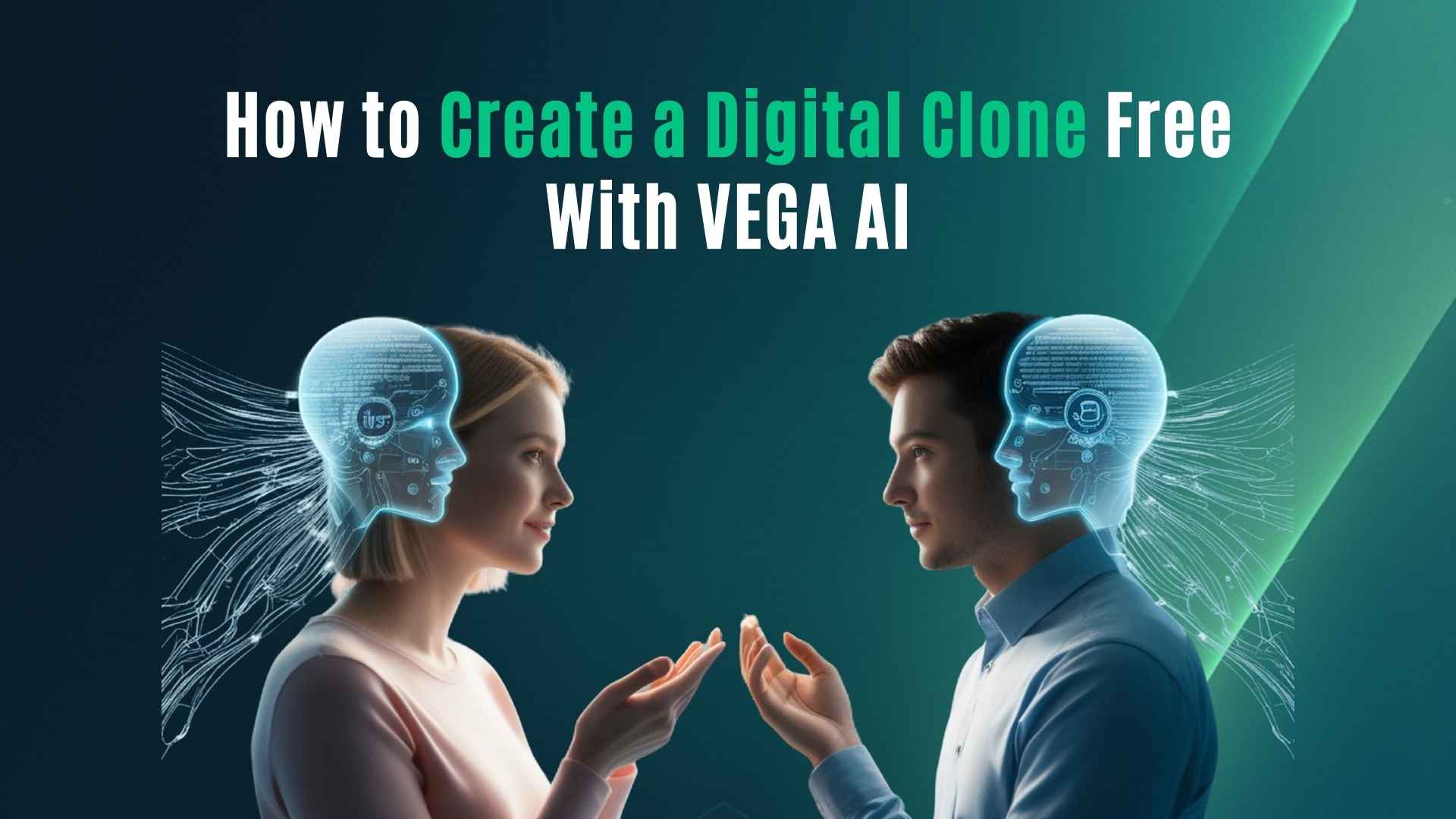
How to Create a Digital Clone: Free AI Guide for Personal Branding
AI Twin
AI Twin
3 minutes
3 minutes
Dec 1, 2025
Dec 1, 2025


TL;DR
A digital clone is an AI-powered version of your ideas, tone, and frameworks. You can create one for free in VEGA AI using the $10 AI credits you get when you sign up. It helps you scale your personal brand without additional hours.
TL;DR
A digital clone is an AI-powered version of your ideas, tone, and frameworks. You can create one for free in VEGA AI using the $10 AI credits you get when you sign up. It helps you scale your personal brand without additional hours.
TL;DR
A digital clone is an AI-powered version of your ideas, tone, and frameworks. You can create one for free in VEGA AI using the $10 AI credits you get when you sign up. It helps you scale your personal brand without additional hours.
1. What Is a Digital Clone?
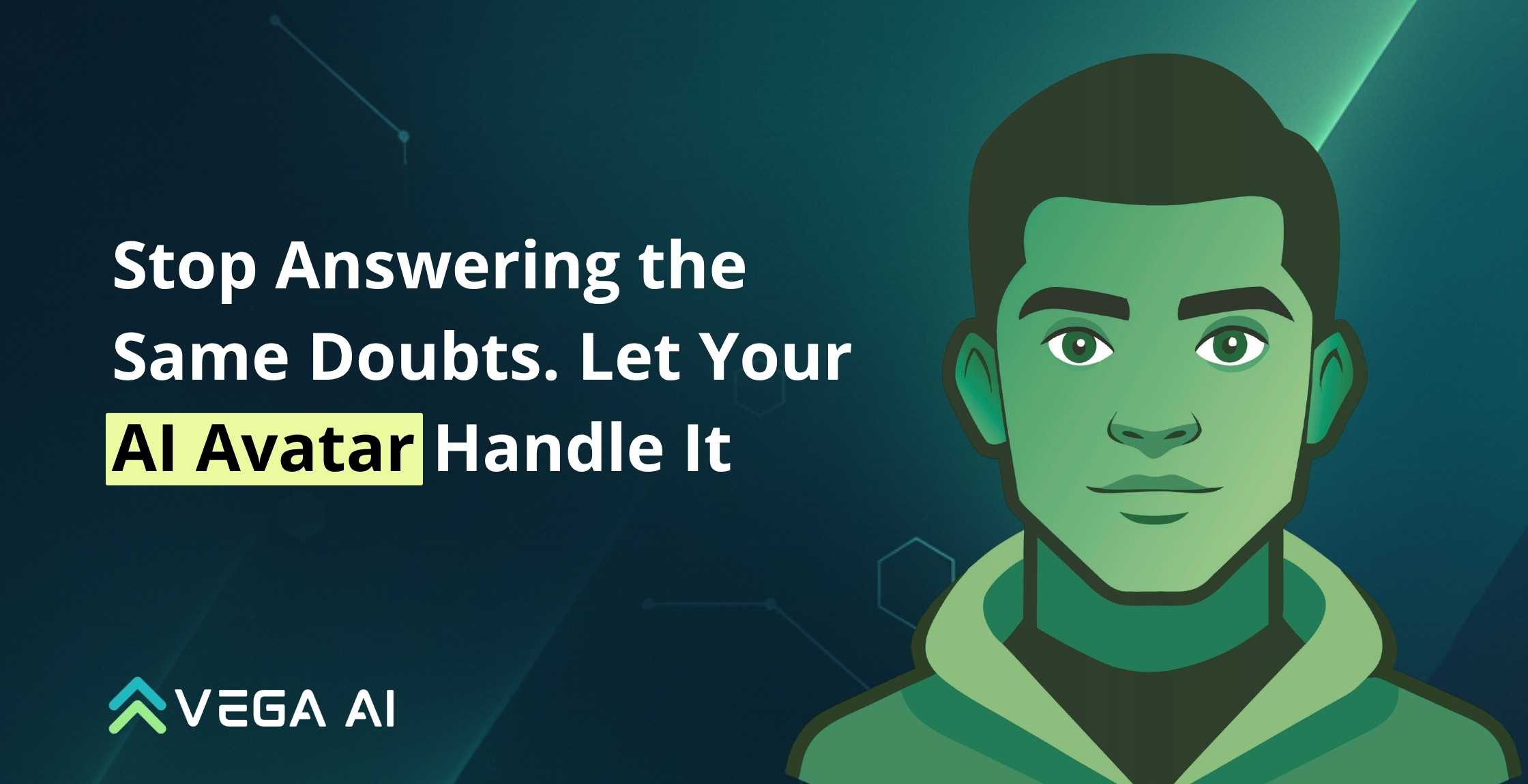
A digital clone is a structured AI version of your knowledge. It learns your tone, your explanations, and your teaching patterns. It does not copy your face or voice. It copies your thinking style.
People use digital clones to:
answer audience questions
support students
scale personal branding
create consistent explanations
guide clients between sessions
Simple definition:
A digital clone is your expertise, organized and made available 24/7.
2. Why Digital Clones Matter for Personal Branding
A personal brand grows when:
your message stays consistent
your ideas are simple to understand
people feel guided
But answering every question takes time.
A digital clone solves this by:
keeping your tone intact
giving clear, repeatable explanations
making your ideas interactive
supporting followers without you being live
It helps you “be present” without being online all day.
A digital clone is a structured AI version of your knowledge. It learns your tone, your explanations, and your teaching patterns. It does not copy your face or voice. It copies your thinking style.
People use digital clones to:
answer audience questions
support students
scale personal branding
create consistent explanations
guide clients between sessions
Simple definition:
A digital clone is your expertise, organized and made available 24/7.
2. Why Digital Clones Matter for Personal Branding
A personal brand grows when:
your message stays consistent
your ideas are simple to understand
people feel guided
But answering every question takes time.
A digital clone solves this by:
keeping your tone intact
giving clear, repeatable explanations
making your ideas interactive
supporting followers without you being live
It helps you “be present” without being online all day.
A digital clone is a structured AI version of your knowledge. It learns your tone, your explanations, and your teaching patterns. It does not copy your face or voice. It copies your thinking style.
People use digital clones to:
answer audience questions
support students
scale personal branding
create consistent explanations
guide clients between sessions
Simple definition:
A digital clone is your expertise, organized and made available 24/7.
2. Why Digital Clones Matter for Personal Branding
A personal brand grows when:
your message stays consistent
your ideas are simple to understand
people feel guided
But answering every question takes time.
A digital clone solves this by:
keeping your tone intact
giving clear, repeatable explanations
making your ideas interactive
supporting followers without you being live
It helps you “be present” without being online all day.
For Educational Institutions: An AI System to 3X Your Revenue
Generate leads and improve conversions, while reducing operational overheads - with VEGA AI
3. What You Need Before Creating Your Digital Clone
You only need four things:
Your bio
Your preferred tone (simple, direct, friendly, etc.)
Your best content - PDFs, notes, frameworks, slides
Your audience’s common questions
No technical skills required.
4. How to Create a Digital Clone Free Using VEGA AI
You get $10 in free AI credits when you create your account on VEGA AI →
Here’s the simple setup:
Step 1: Set Up Your Persona
Add:
name
short bio
expertise
tone instructions
This becomes the identity of your clone.
Step 2: Upload Your Knowledge
Add your structured content:
slides
notes
frameworks
articles
worksheets
lesson outlines
VEGA AI uses this material as the foundation for accurate, aligned responses.
Step 3: Add Rules and Boundaries
Tell your clone:
what to always do
what to avoid
how long answers should be
whether to ask follow-up questions
when to redirect users
This keeps everything aligned with your brand.
For additional help, you can read the quickstart guide here.
Step 4: Test and Refine
Ask your clone:
“Explain my framework in a simple sentence.”
“How would I teach a beginner?”
“Give me three examples using my style.”
If the tone feels off, adjust your persona instructions.
Small updates create big improvements.
Step 5: Publish Your Digital Clone
You can use your clone inside:
interactive Spaces (to guide users through videos or PDFs)
newsletters
coaching programs
personal brand communities
onboarding flows
your website
Your audience gets instant, helpful answers based on your ideas.
You only need four things:
Your bio
Your preferred tone (simple, direct, friendly, etc.)
Your best content - PDFs, notes, frameworks, slides
Your audience’s common questions
No technical skills required.
4. How to Create a Digital Clone Free Using VEGA AI
You get $10 in free AI credits when you create your account on VEGA AI →
Here’s the simple setup:
Step 1: Set Up Your Persona
Add:
name
short bio
expertise
tone instructions
This becomes the identity of your clone.
Step 2: Upload Your Knowledge
Add your structured content:
slides
notes
frameworks
articles
worksheets
lesson outlines
VEGA AI uses this material as the foundation for accurate, aligned responses.
Step 3: Add Rules and Boundaries
Tell your clone:
what to always do
what to avoid
how long answers should be
whether to ask follow-up questions
when to redirect users
This keeps everything aligned with your brand.
For additional help, you can read the quickstart guide here.
Step 4: Test and Refine
Ask your clone:
“Explain my framework in a simple sentence.”
“How would I teach a beginner?”
“Give me three examples using my style.”
If the tone feels off, adjust your persona instructions.
Small updates create big improvements.
Step 5: Publish Your Digital Clone
You can use your clone inside:
interactive Spaces (to guide users through videos or PDFs)
newsletters
coaching programs
personal brand communities
onboarding flows
your website
Your audience gets instant, helpful answers based on your ideas.
You only need four things:
Your bio
Your preferred tone (simple, direct, friendly, etc.)
Your best content - PDFs, notes, frameworks, slides
Your audience’s common questions
No technical skills required.
4. How to Create a Digital Clone Free Using VEGA AI
You get $10 in free AI credits when you create your account on VEGA AI →
Here’s the simple setup:
Step 1: Set Up Your Persona
Add:
name
short bio
expertise
tone instructions
This becomes the identity of your clone.
Step 2: Upload Your Knowledge
Add your structured content:
slides
notes
frameworks
articles
worksheets
lesson outlines
VEGA AI uses this material as the foundation for accurate, aligned responses.
Step 3: Add Rules and Boundaries
Tell your clone:
what to always do
what to avoid
how long answers should be
whether to ask follow-up questions
when to redirect users
This keeps everything aligned with your brand.
For additional help, you can read the quickstart guide here.
Step 4: Test and Refine
Ask your clone:
“Explain my framework in a simple sentence.”
“How would I teach a beginner?”
“Give me three examples using my style.”
If the tone feels off, adjust your persona instructions.
Small updates create big improvements.
Step 5: Publish Your Digital Clone
You can use your clone inside:
interactive Spaces (to guide users through videos or PDFs)
newsletters
coaching programs
personal brand communities
onboarding flows
your website
Your audience gets instant, helpful answers based on your ideas.
Transform Your Education Business with VEGA AI
Automate test creation, reduce costs, and boost student engagement
5. Best Use Cases for Personal Branding
1. Audience Q&A
Let people ask you anything, anytime.
2. Lead Magnet
Offer “Talk to My Digital Clone” as a unique, interactive experience.
3. Content Engine
Use your clone to structure your ideas into posts or scripts.
4. Course Support
Add your clone as a guide inside your lessons.
5. Coaching Scale
Your clone repeats your frameworks so you don’t have to.
6. Common Mistakes to Avoid
Adding too much messy content - start simple
Not defining your tone
No boundaries - your clone needs guardrails
Expecting perfection on day one - clones improve over time
Start small, refine weekly.
1. Audience Q&A
Let people ask you anything, anytime.
2. Lead Magnet
Offer “Talk to My Digital Clone” as a unique, interactive experience.
3. Content Engine
Use your clone to structure your ideas into posts or scripts.
4. Course Support
Add your clone as a guide inside your lessons.
5. Coaching Scale
Your clone repeats your frameworks so you don’t have to.
6. Common Mistakes to Avoid
Adding too much messy content - start simple
Not defining your tone
No boundaries - your clone needs guardrails
Expecting perfection on day one - clones improve over time
Start small, refine weekly.
1. Audience Q&A
Let people ask you anything, anytime.
2. Lead Magnet
Offer “Talk to My Digital Clone” as a unique, interactive experience.
3. Content Engine
Use your clone to structure your ideas into posts or scripts.
4. Course Support
Add your clone as a guide inside your lessons.
5. Coaching Scale
Your clone repeats your frameworks so you don’t have to.
6. Common Mistakes to Avoid
Adding too much messy content - start simple
Not defining your tone
No boundaries - your clone needs guardrails
Expecting perfection on day one - clones improve over time
Start small, refine weekly.
Put AI to Work for Your Test-Prep
Save weeks of manual work—generate complete syllabus, question banks, and assessments in minutes with VEGA AI.
7. FAQ's
Is it free to create a digital clone?
Yes. VEGA AI gives you $10 in AI credits when you sign up.
Does it copy my face or voice?
No. It represents your ideas and tone.
How long does it take?
Most creators complete their first version in 45–60 minutes.
Can I update my clone?
Yes. You can change tone, add content, and refine instructions at any time.
7. FAQ's
Is it free to create a digital clone?
Yes. VEGA AI gives you $10 in AI credits when you sign up.
Does it copy my face or voice?
No. It represents your ideas and tone.
How long does it take?
Most creators complete their first version in 45–60 minutes.
Can I update my clone?
Yes. You can change tone, add content, and refine instructions at any time.
7. FAQ's
Is it free to create a digital clone?
Yes. VEGA AI gives you $10 in AI credits when you sign up.
Does it copy my face or voice?
No. It represents your ideas and tone.
How long does it take?
Most creators complete their first version in 45–60 minutes.
Can I update my clone?
Yes. You can change tone, add content, and refine instructions at any time.
Share Blog
Share Blog
Are You a Tutor, Coach or a Test Prep Institute?
Give your students a Duolingo-like platform with Shopify-like customization for tutors and test prep institutes.
Share Blog

VEGA AI
VEGA is the Virtual Entity for Guidance and Assistance specifically designed AI agents to guide and assist you in any task that you perform.
support@myvega.ai
Trending Blogs
Newsletter
Subscribe to our newsletter for a curated dose of product updates and exclusive content delivered straight to your inbox.

VEGA AI
VEGA is the Virtual Entity for Guidance and Assistance specifically designed AI agents to guide and assist you in any task that you perform.
support@myvega.ai
Trending Blogs
Newsletter
Subscribe to our newsletter for a curated dose of product updates and exclusive content delivered straight to your inbox.

VEGA AI
VEGA is the Virtual Entity for Guidance and Assistance specifically designed AI agents to guide and assist you in any task that you perform.
support@myvega.ai
Trending Blogs
Newsletter
Subscribe to our newsletter for a curated dose of product updates and exclusive content delivered straight to your inbox.